Connect AI Agents to your shared folders
Connect AI assistants to your Peerdraft Spaces. Let Claude, ChatGPT, Cursor, Windsurf, and other AI agents read, summarize, and organize your notes automatically.
Latest updates and improvements from Peerdraft
Connect AI assistants to your Peerdraft Spaces. Let Claude, ChatGPT, Cursor, Windsurf, and other AI agents read, summarize, and organize your notes automatically.
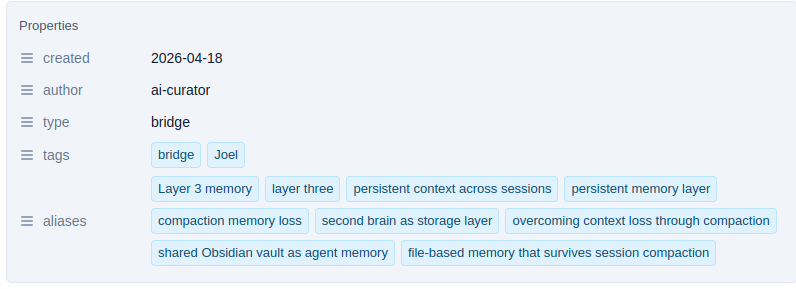
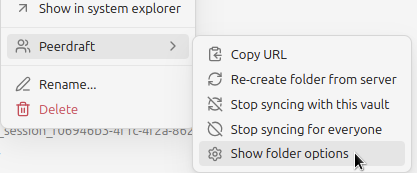
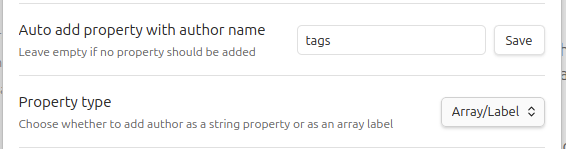
Stop wondering who created that document. Now when you create new files in shared spaces, Peerdraft automatically adds your name to the frontmatter. keeping your team organized without any extra steps.
Build automations with n8n, Zapier, Make, or any tool that speaks REST. Connect your Spaces to tools and workflows. Query your Spaces, filter documents, and write safely with built-in conflict detection.
Links in the web editor are now clickable. Click any URL to open it in a new tab without switching to preview mode.
Introducing tiered subscription plans with clear storage limits. Know exactly how much space you have and get warnings before you hit your limit
Take control of what gets shared. Choose which file types can be included in your shared folders (text only), and share Canvas files alongside your Markdown documents.
Resize images directly in the web editor. No more switching to Markdown syntax to adjust image sizes.
Better support for document structure in the web editor. Horizontal rules now render visually, and YAML frontmatter is properly styled and editable.
Try Peerdraft with premium features. When you create your first persistent share, you get a trial period with increased storage limits to explore all features.
The web editor now renders math equations and tables beautifully, making it easier to collaborate on technical documents.
Share documents and folders with one click (including subfolders) with unlimited free collaborators. Support for asynchronous and offline editing.
Switching between Preview and Source Mode in Obsidian now works as expected. The collaborators' names are semi-transparent - unless you hover over them - to no longer hide text. The initial popup that asks for your name is nicer.
When you start or join a session, the note gets pinned automatically, so it can not be closed by accident.
When you received a link to a Peerdraft session from someone else, you can now use the `join shared session` command. After you entered the URL, a new file will be created and you will join the session.
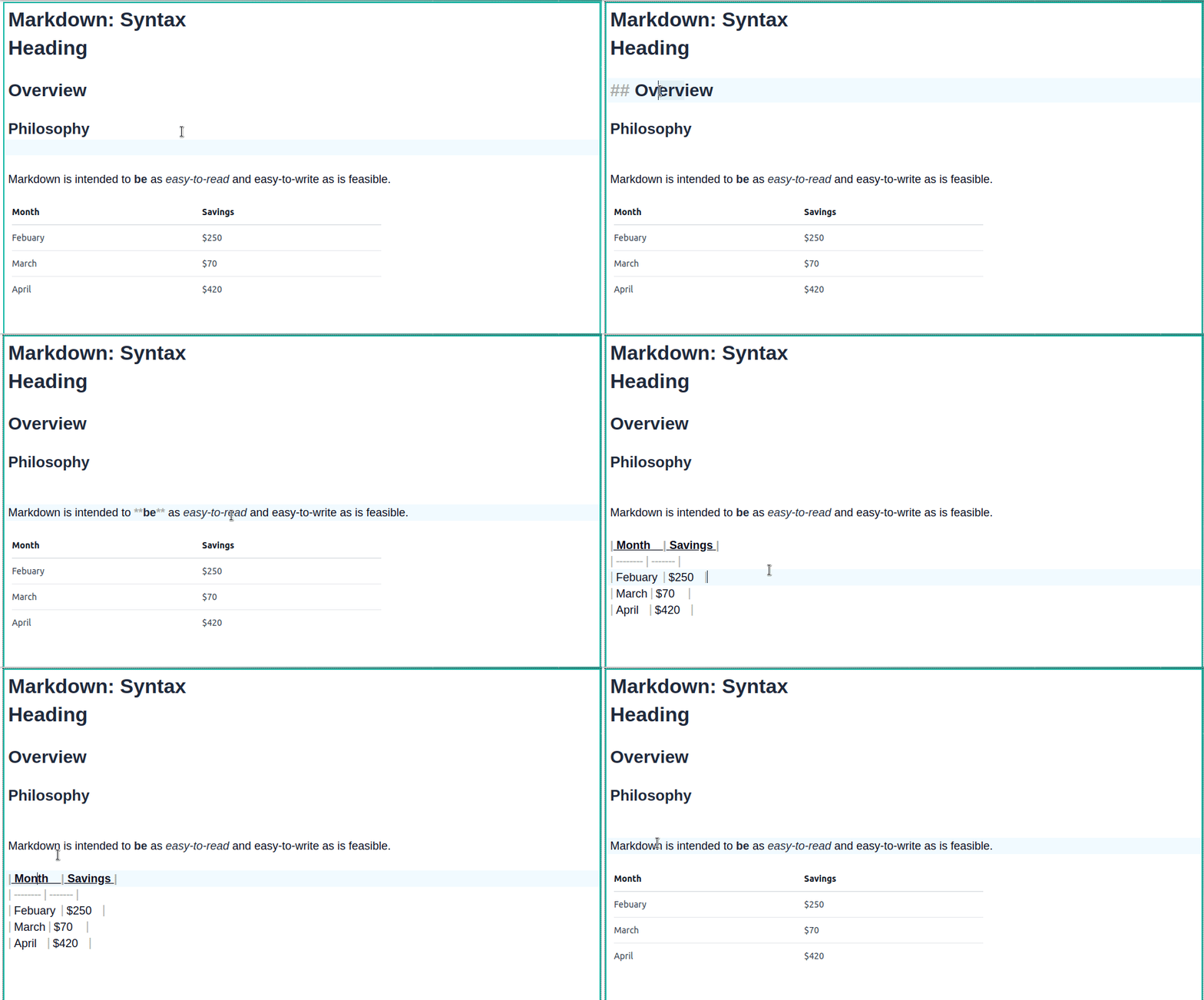
Similar to the standard editor in Obsidian, the Peerdraft web editor now hides Markdown syntax, unless you are currently editing it. This should be easier on the eye, especially for people who are not used to Markdown.
When you closed a shared session in Obsidian, the editor wasn't properly cleaned. The information about collaborators was still visible. This is fixed now and the editor will not show the collaborator's "ghosts".
A small update in the Peerdraft web preview: We added support for `==Highlighted text==` formatting.
The Peerdraft plugin now also supports Obsidian mobile. For better collaboration, wherever you are.
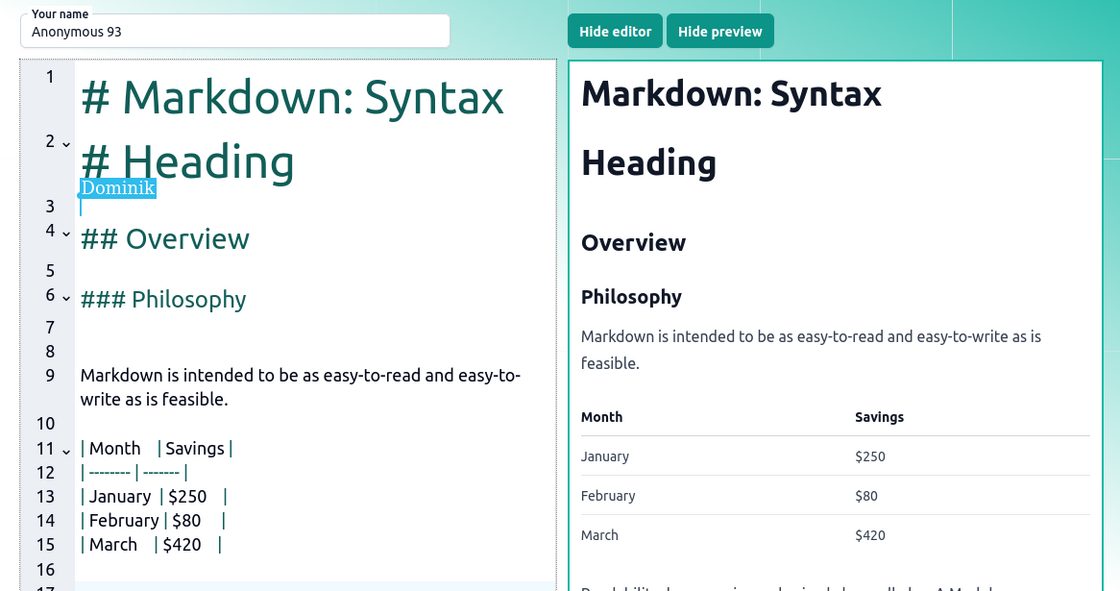
As popular as Markdown is becoming, your collaborators on the web may not be totally used to working with it. That's why their editing experience is a big priority for us. As a first step we introduce a live preview. It will show how your Markdown content will appear when rendered, providing instant feedback as you type or make changes. If some of them only want to read the document and don't need to edit it themselves they can even hide the editor completely. The preview will still be updated in real-time.